Automating my monthly net worth tracker
Overview
I track net worth every month across more than 20 accounts spread over three countries. Doing that by hand in a spreadsheet meant re-typing balances, occasionally fat-fingering a number, and having no real record of what the sheet looked like before I overwrote a cell. income_statement (opens in a new tab) is a Python script that automates the accounts it can and makes the manual entries it can’t avoid fast and safe.
What it does
- US accounts are fetched automatically via SimpleFIN (opens in a new tab)’s read-only OAuth API (~$15/year) — no bank passwords ever touch the script
- UK and Taiwan accounts are entered manually via prompts, with last month’s value shown as a hint so I’m not hunting through statements to remember roughly where a balance sits
- Exchange rates (GBP, EUR, TWD → USD) are pulled live from a free API
- SQLite is the source of truth — one row per account per recording date
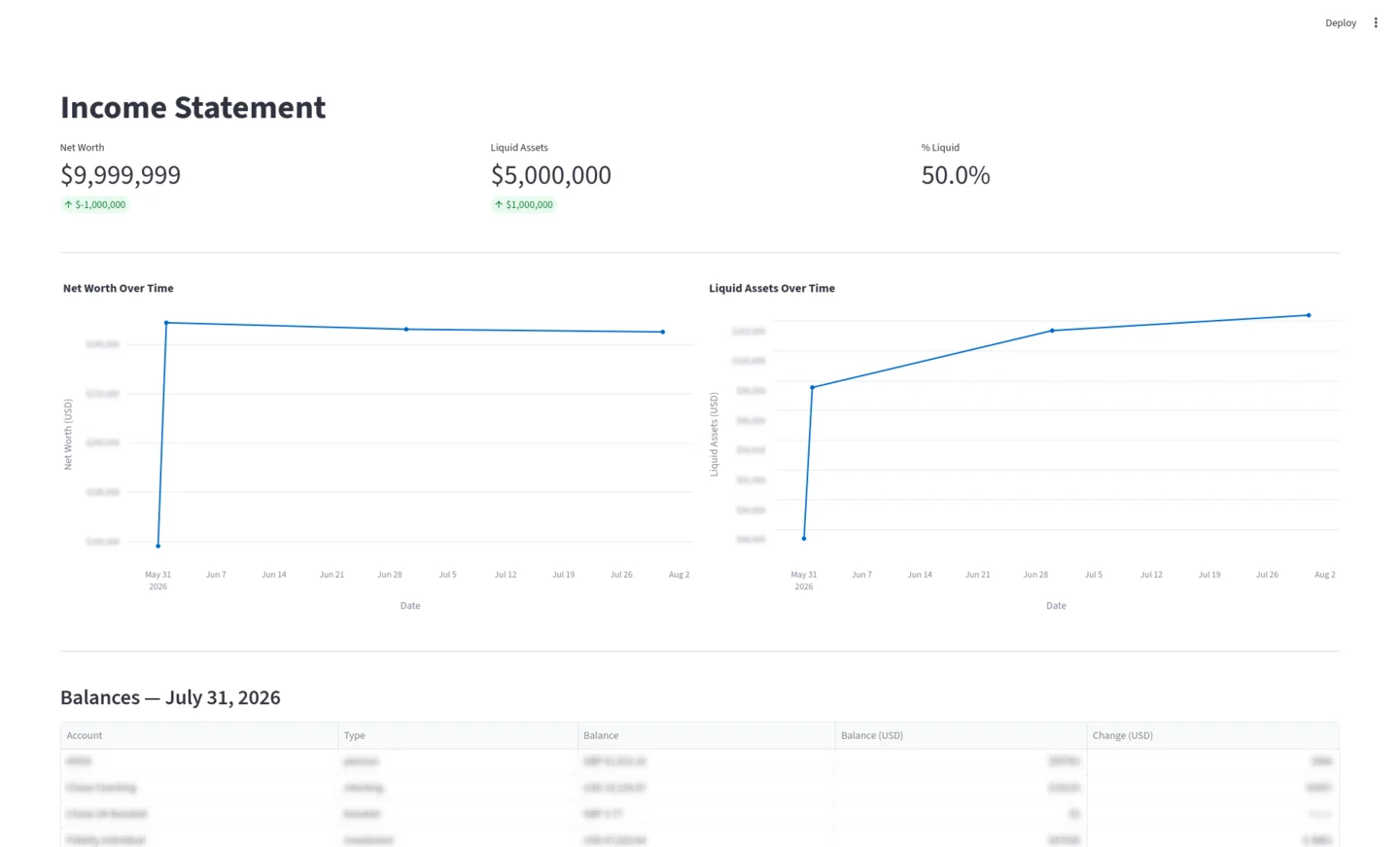
- An optional Google Sheets export appends the run to a “Raw Data” tab, and a Streamlit dashboard launches automatically to show net worth and liquid assets trending over time
Why it’s built this way
Append-only, never overwrite. The balances table has a UNIQUE(account_id, recorded_date) constraint, so re-running the script on the same day replaces that day’s row but nothing before it. A spreadsheet cell has no undo history once you’ve saved over it; a database row does, by construction. This was the actual motivation for the whole rewrite — the spreadsheet version had already lost a few historical data points to typos before I got tired of it.
SimpleFIN over scraping or a heavier aggregator. It’s read-only, cheap, and I never store or see a password. The trade-off is that it only covers US institutions, which is why UK and Taiwan accounts stay manual — I’d rather have a script that’s honest about its limits than one that tries to scrape banks it wasn’t built for.
Deactivate accounts, never delete them. Closing an account sets active = 0 in the database rather than removing the row, because historical balances still reference it by ID. Deleting would either orphan old rows or force a cascading delete that erases real history just because an account isn’t open anymore.
Liquid assets as a set, not a hardcoded list. Whether an account counts as “liquid” comes down to one line — NON_LIQUID_TYPES = {"ira", "pension", "credit_card"} — that everything else is checked against. Redefining what counts as liquid is a one-line change instead of an audit of every account.
A gotcha worth knowing
Account names are the join key between accounts.py (a plain Python list) and the database, and the name column has a UNIQUE constraint. That’s fine until you have the same institution in two countries — the first time I added a UK account at a bank I already had a US account with, the seed step failed silently until I gave it a distinct name ("Chase UK Current" rather than "Chase"). Renaming later means updating both the list and the database row, since nothing keeps them in sync automatically.
Try it yourself
You’ll need Python 3.11+, a SimpleFIN Bridge (opens in a new tab) account for the US side, and optionally a Google Cloud service account if you want the Sheets export. Full setup and usage — including --history and --export for re-running just one step — is in the README (opens in a new tab).


Related
Thanks for reading. If this was useful,
buying me a coffee
is the clearest signal I've got that it's worth writing more.
Questions or corrections are welcome at
jlmc.space@gmail.com